Trainers Menu Update
With the new emphasis on Guided Learning in The Family History Guide, we thought it would be a good time to make some updates to the Trainers menu. Here’s a look at the new menu:
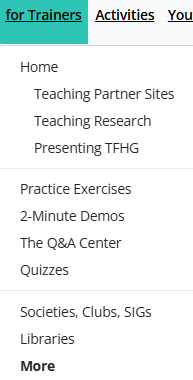
Here’s a summary of what has changed in the menu:
- Home page: The home page for the Trainers menu now focuses on helping trainers teach three important foundational elements of The Family History Guide: the Partner Sites (FamilySearch, Ancestry, MyHeritage, and Findmypast), doing research, and presenting The Family History Guide. These three items are also included as separate links in the Trainers menu (under “Home”) for easy access.
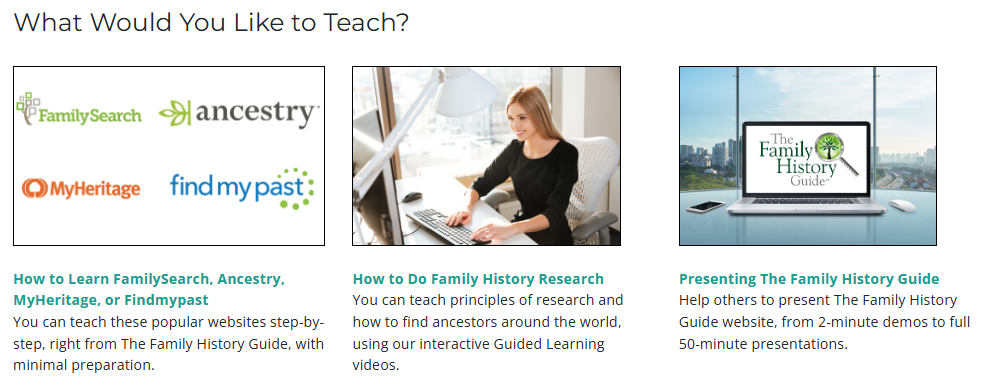
- Teaching Partner Sites: This is a new page that guides trainers as they help others learn FamilySearch, Ancestry, MyHeritage, and Findmypast, step by step.
- Teaching Research: This opens the Training with Guided Learning Videos page, which was added to the site a few weeks ago.
- Presenting The Family History Guide: This page collecs the resources for giving others an introduction to The Family History Guide website.
The second section of the Trainers menu has some minor changes, with entries for Practice Exercises, 2-Minute Demos, The Q&A Center, and Quizzes.
Check out the new Trainers menu in The Family History Guide and see how it can open up breakthroughs in your family history classes, mentoring, and presentations!