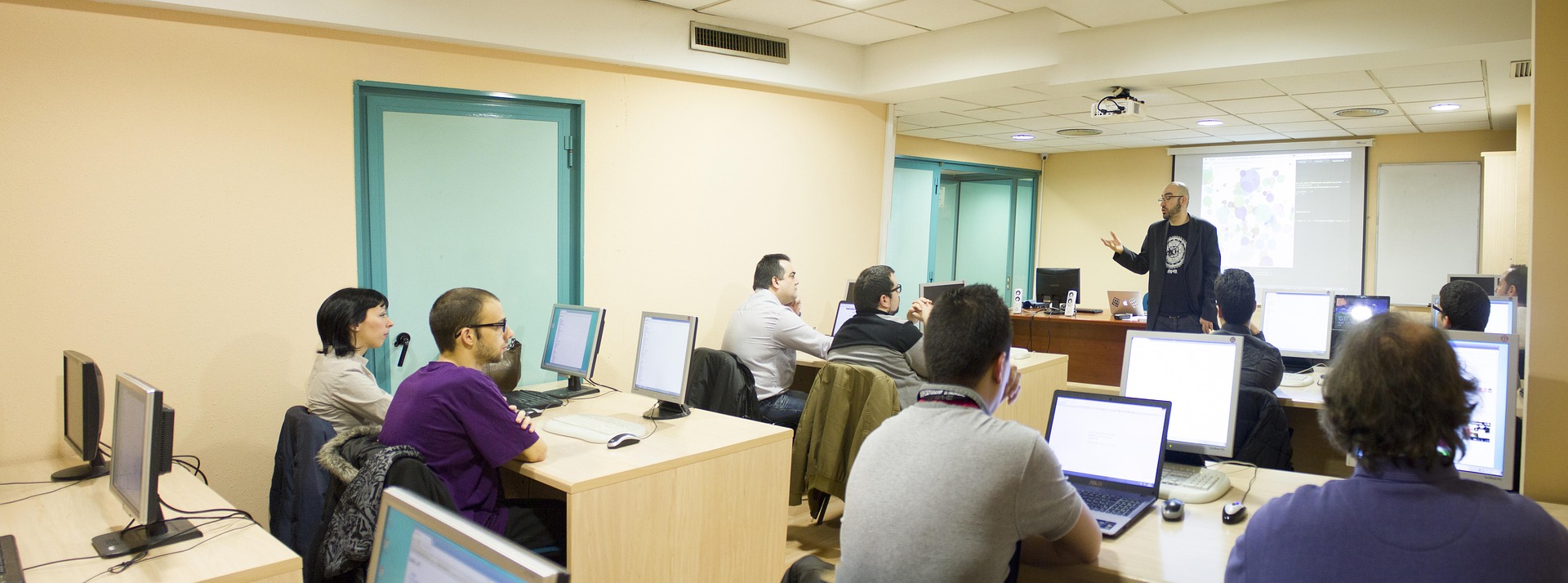
Welcome! The Guided Learning videos are great resources that individuals can use to learn family history research skills. They can also be used as effective training tools to help others. The videos can be used by trainers who work in any of these areas:
- Private mentoring and coaching
- FamilySearch centers
- Libraries
- Genealogical societies
- Schools or home school
- Genealogy clubs and special interest groups
- Social media groups
- Group sessions
Focus

When Guided Learning Videos are used in a group setting, the instructor takes more of an active role in
- Showing and pausing the video
- Adding commentary for the topics that are covered
- Leading discussions about the questions on screen
Note : The following guidelines are recommended but can be adapted to individual needs. The guidelines do not apply to videos in Section A of the Guided Learning page. Those videos can simply be shown on a presentation screen, and the instructor can pause the videos at any time for discussion. The guidelines are based on using Zoom or an equivalent platform to share an instructor screen.
Instructor Prep
Before the session,
- Select a Guided Learning video with a topic that you feel comfortable facilitating.
- Decide how long the session will last (30 minutes, 45 minutes, etc.).
- Go through the video and select all or some of the instruction boxes to present in the session. Then open the red-box links in the video to study the external articles, videos, and databases and be ready to answer the quesions in the instruction boxes.
- Decide the maximum time to spend on each of the instruction boxes in the selected video. Longer videos may be watched partially, or some instruction boxes may be skipped, according to needs and time constraints.
- Allow a reasonable amount of discussion time for each red-box link in the video, to fit the total time for the session.
- Create a Zoom or equivalent link for the session.
- In the class description, advise learners that they should bring a phone or computer and a means for taking notes.
Delivery

- Get Ready: Have the students log in to the Zoom link and prepare to take notes on a device or on paper. (Online Tracker Sheets can be downloaded and used, which correlate to The Family History Guide._ Then share your screen and begin the Guided Learning video.
- Open the Link: When the Guided Learning video reaches a screen with an instruction box,
a) Pause the video;
b) Read the first instruction and its accompanying questions, to focus on the learning objectives; c) Open the link in the red rectangle.
- Comment: If the link is for an article, comment about the text currently on the screen to point out key learning items. Then scroll down to the next part, comment, etc. If it's a video, play it and pause as desired to add your commentary. If it's a website or database, navigate it as indicated in the instruction. You can explore other parts of the website if appropriate and time allows.
- Discuss: Go back to the instruction box and re-read the questions. Lead a brief discussion with the attendees about the key learnings.
- Repeat: Repeat the above steps for the next bullet in the instruction box until the items are completed. Then play the Guided Learning video until the next instruction box appears.
When all the instruction boxes are finished. the video will show either a "Takeaways" screen or a "Try It with Your Tree" screen. For Takeaways, review the bullet items on the screen and comment briefly on them. For the Tree, recommend that learners identify ancestors in their tree where the concepts they learned in the session can be applied.
At the conclusion of the session, remind learners that they can review the class content any time by watching the Guided Learning video and exploring the instructions, resources, and questions.
Note : Creating handouts from the video content without written permission from The Family History Guide Association is not permitted. Instructors may create such handouts for their own use in preparing the class but may not share them with others.
Curriculum

You can build a simple family history curriculum by selecting a series of videos from the Guided Learning page to complete in multiple sessions. For example, an Introduction to Research course could use Research Basics Part 1, Research Basics Part 2, Research Strategies Part 1, and Research Strategies Part 2.
This approach also works well for countries with multiple Guided Learning videos, such as England (Basic Research, Vital Records, Civil Registration, Census, Probate and Court, Church and Cemetery, Emigration and More) or Australia (Basic Research, Civil Registration and Immigration, Australia Cemetery/Church/Military, Australia More Records). Note that some videos may span multiple Goals in The Family History Guide.